Connecting Maxcompute (Alibaba Cloud) to Churney

Updated Nov 2026

Share hashed views with a RAM user made for Churney. Five steps, or let Claude do them.

At a glance: Read-only on hashed views · Personal data hashed in your account · A RAM user just for Churney

Churney reads hashed views in a dedicated MaxCompute project as a RAM user with access to those views only, and unloads them to an OSS bucket in your account. Anything that identifies a person is hashed before it leaves your account.

Let Claude set it up

Before you start

  • Rights to create RAM users, policies and roles, and an OSS bucket
  • A MaxCompute project for Churney, in the same region as your data
  • A password manager or one-time link to send us a key

What to share

As much as you can. Each of these makes the predictions better:

  • Payments
  • Trials, if you have them
  • User demographics, if available
  • User activity
  • Attribution: your source of truth for campaign performance (UTM, MMP or ad network)

Step 1. Create the hashed views

Create one view per table you share, in the Churney project. Each view hashes the columns that can identify a person, such as email, phone, name, birthday and street address. List the other columns you share. Tables without personal data can be shared as they are.

Fill in your names below and copy the SQL. Rather we write the views for you? Use the List your columns tab and send us the result.
Open the SQL builder

Then check a hash. Paste an email or phone number you know is in your data and compare the result with what your view returns.

Open the hash checker

Step 2. Create a RAM user for Churney

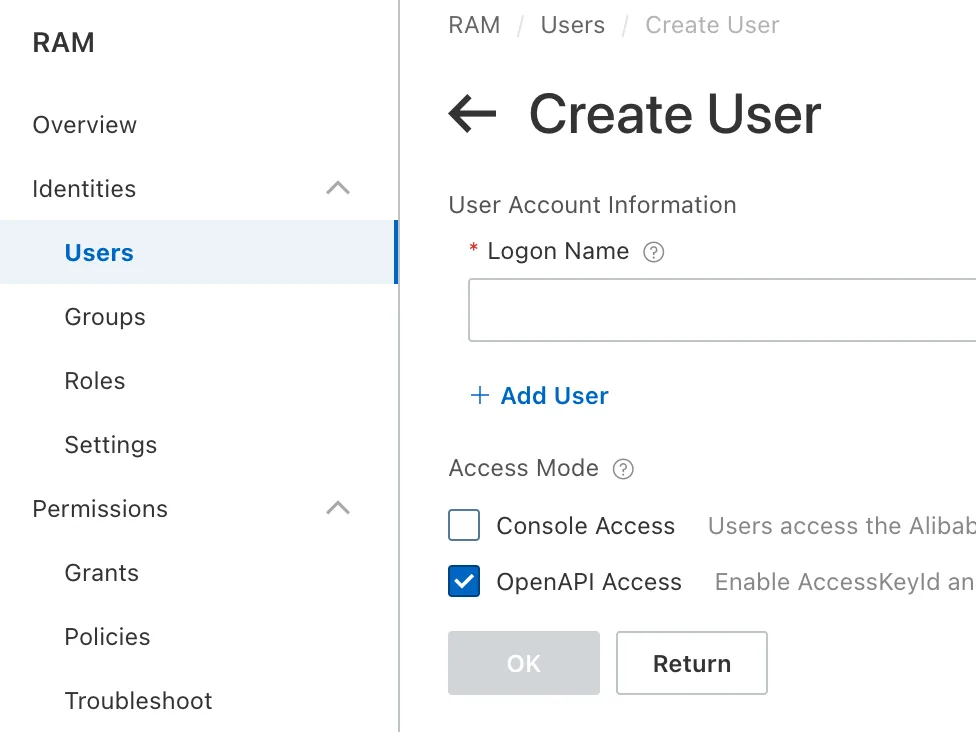
  1. In the RAM console, go to Identities > Users and click Create User.
  2. Name it churney and enable Using permanent AccessKey to access.
  3. Copy the AccessKey ID and secret straight into a password manager, and note the user UID.
Creating the RAM user
The user UID

Step 3. Grant access in MaxCompute

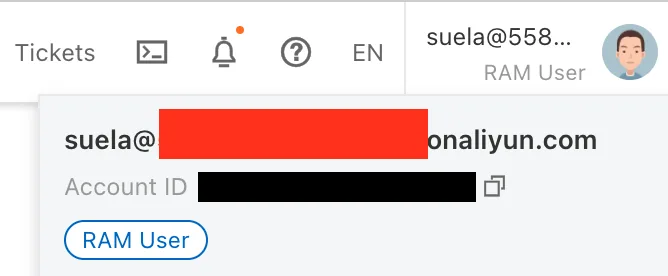
Run this in DataWorks or the MaxCompute client. Your account ID is on your profile, the user UID on the RAM user.

Grant access

Your account ID

Step 4. Create an OSS bucket and a role

  1. Create an OSS bucket churney-unload in the same region, with Block Public Access on.
  2. In the RAM console, go to Permissions > Policies, click Create Policy and paste the bucket policy in the JSON editor.
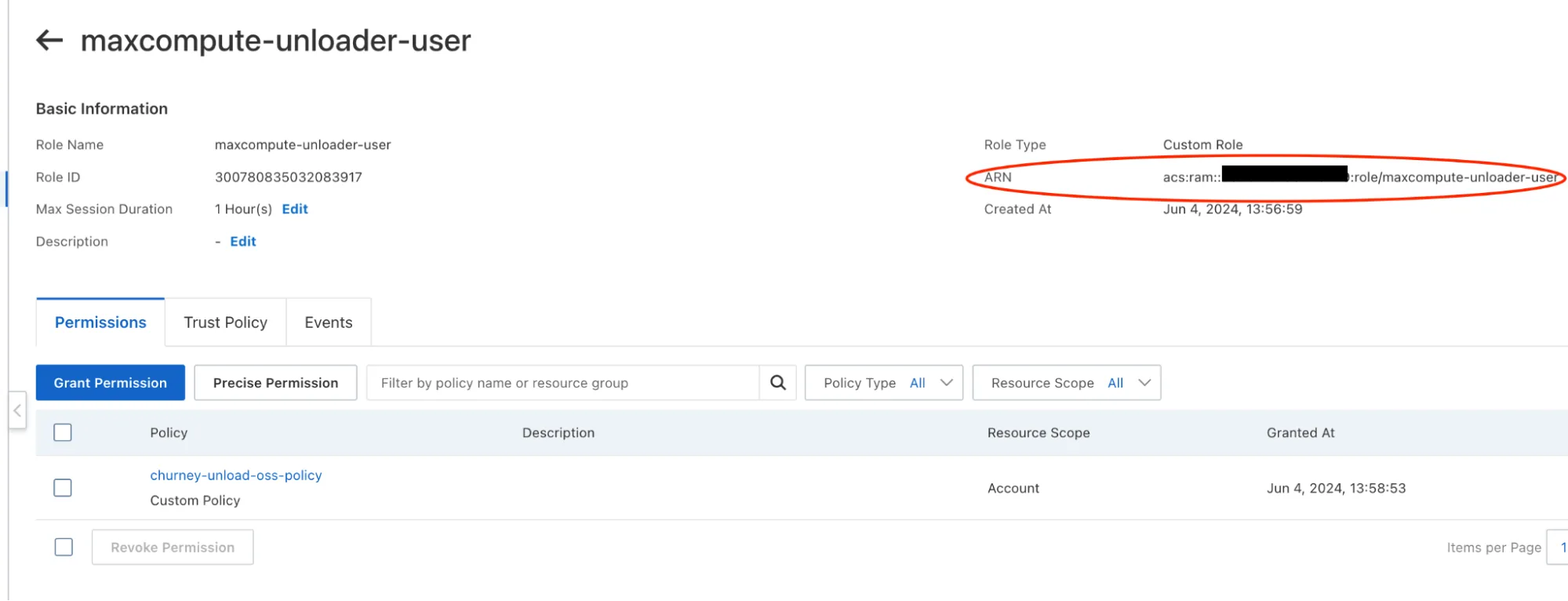
  3. Go to Identities > Roles, create a role, attach the policy, and replace its trust policy with the one below.

Bucket policy

Trust policy

The role and its ARN

Step 5. Send us the details

  • The role ARN
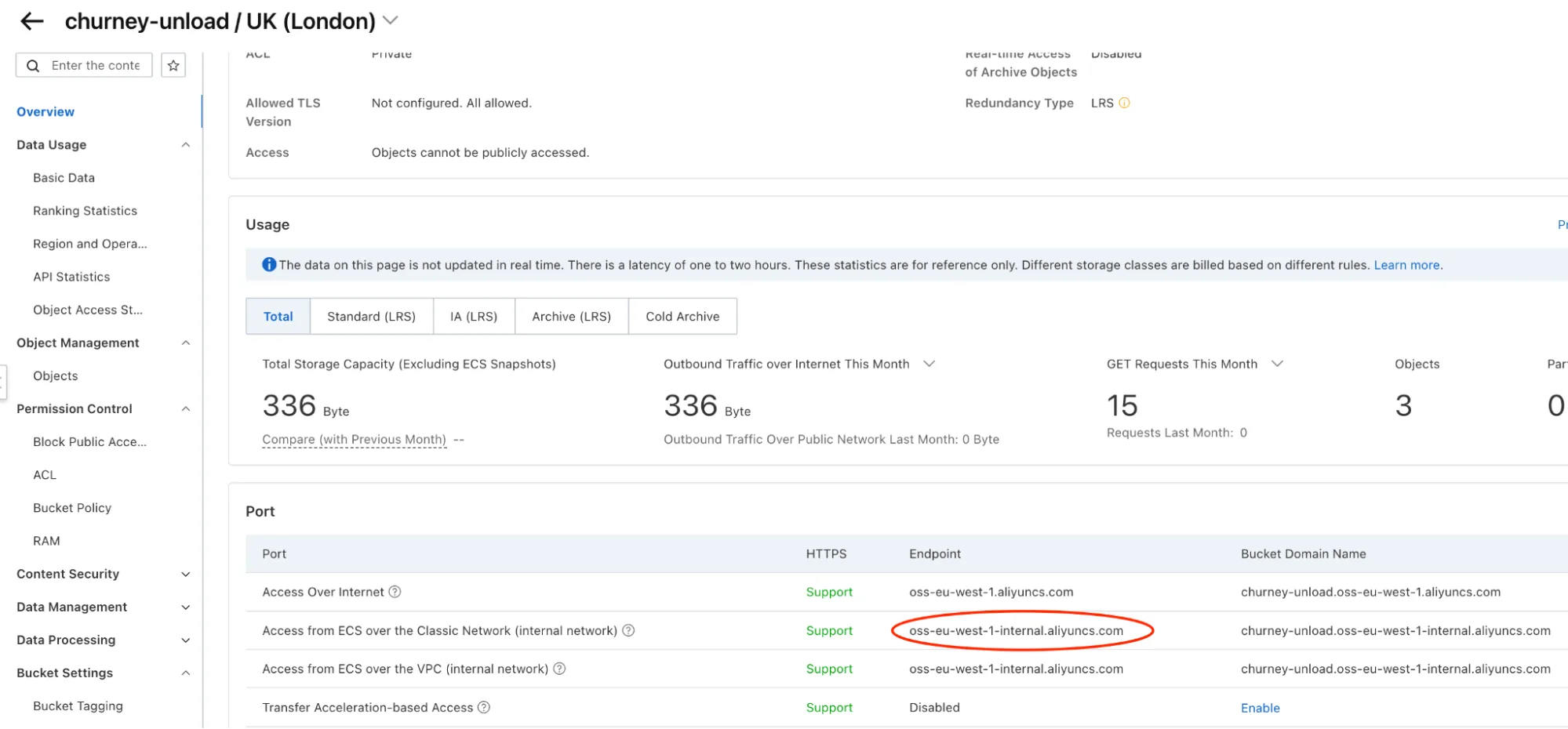
  • The OSS bucket name and endpoint, under the bucket Overview
  • The MaxCompute project and endpoint, for example https://service.eu-west-1.maxcompute.aliyun.com/api
  • The view names
  • The AccessKey ID, and the secret through a password manager or a one-time link, not plain email

We take it from there.

The bucket endpoint

What happens on our side

No action needed. This is here for your security review.

  • Read-only on your data. The Churney role can describe and select from the views you list, and nothing else.
  • Contained unloads. Data lands only in the OSS bucket you created, through a role limited to that bucket.
  • Easy to revoke. Disable the RAM user or its AccessKey and access stops.

Normalization rules

Normalization rules

See whether your data predicts long-term value.

Book a 30-minute call. We look at your setup and tell you plainly whether pLTV is worth testing.