Share hashed views through an IAM role that only Churney can assume. Five steps, or let Claude do them.
At a glance: Read-only on hashed views · Personal data hashed in your account · Source data readable only through Athena
Churney assumes an IAM role in your account that trusts only Churney. The role can run queries in a Churney workgroup, read the hashed views in a dedicated database, and write results to an S3 bucket for Churney. Anything that identifies a person is hashed before it leaves your account.
As much as you can. Each of these makes the predictions better:
Create a database for Churney in the Athena query editor.
Then create one view per table you share. Each view hashes the columns that can identify a person, such as email, phone, name, birthday and street address. Athena has no * EXCEPT, so list the other columns you share. If a JSON column holds personal data, leave it out and hash the keys you need.
Fill in your names below and copy the SQL. Rather we write the views for you? Use the List your columns tab and send us the result.
Then check a hash. Paste an email or phone number you know is in your data and compare the result with what your view returns.
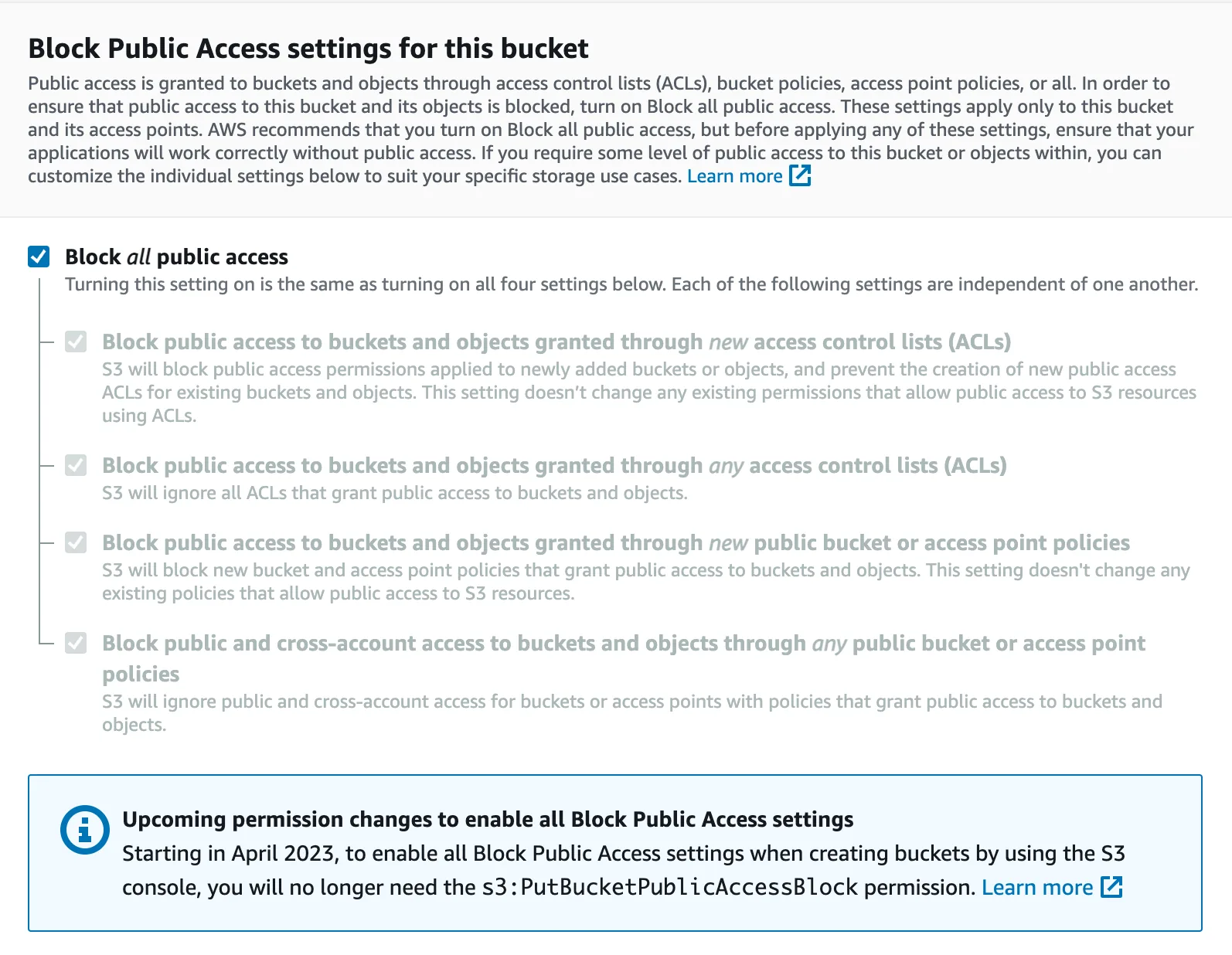
churney-athena-unload in your Athena region, with all public access blocked.churney-workgroup and set the query result location to s3://churney-athena-unload/.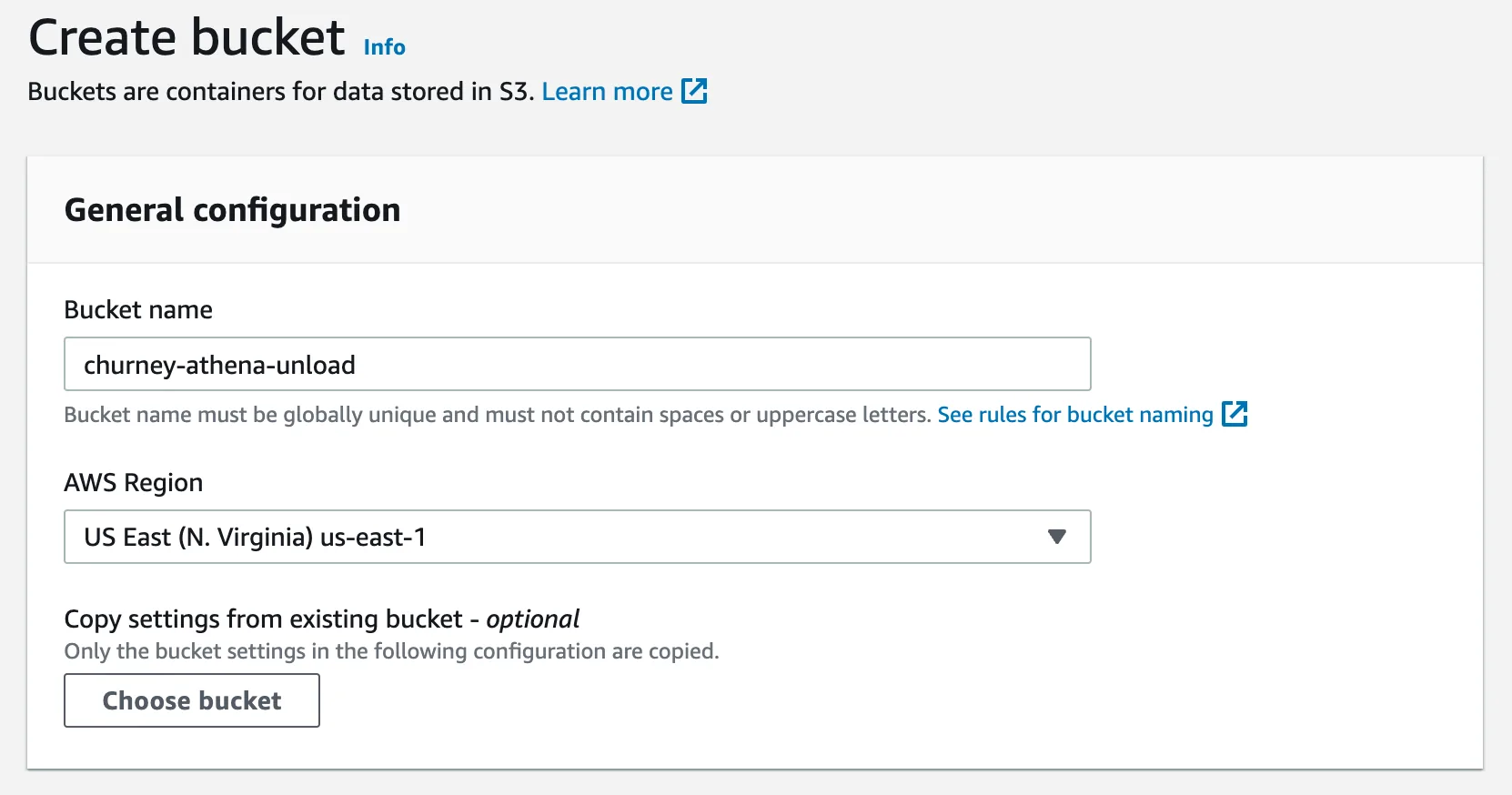
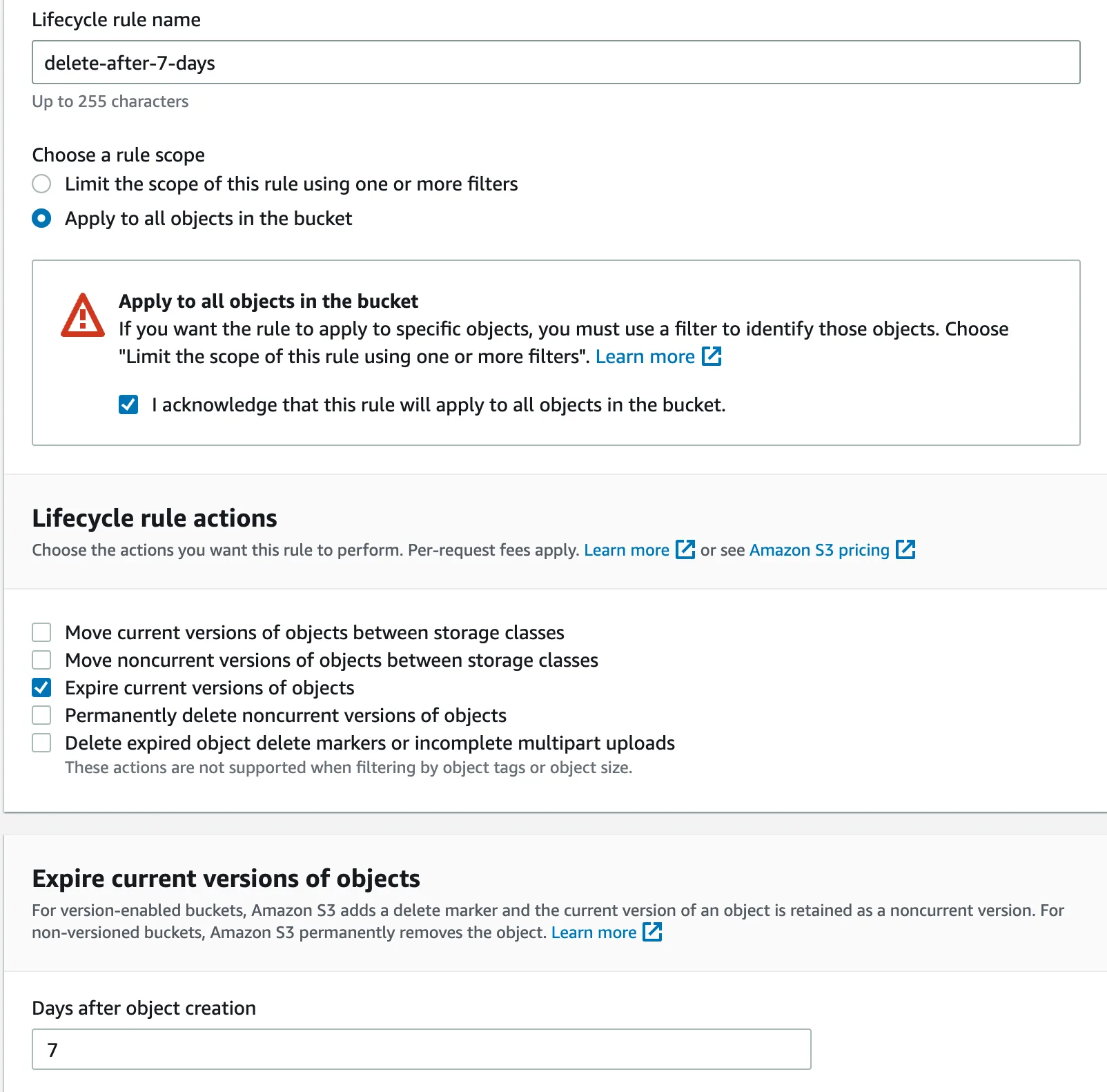
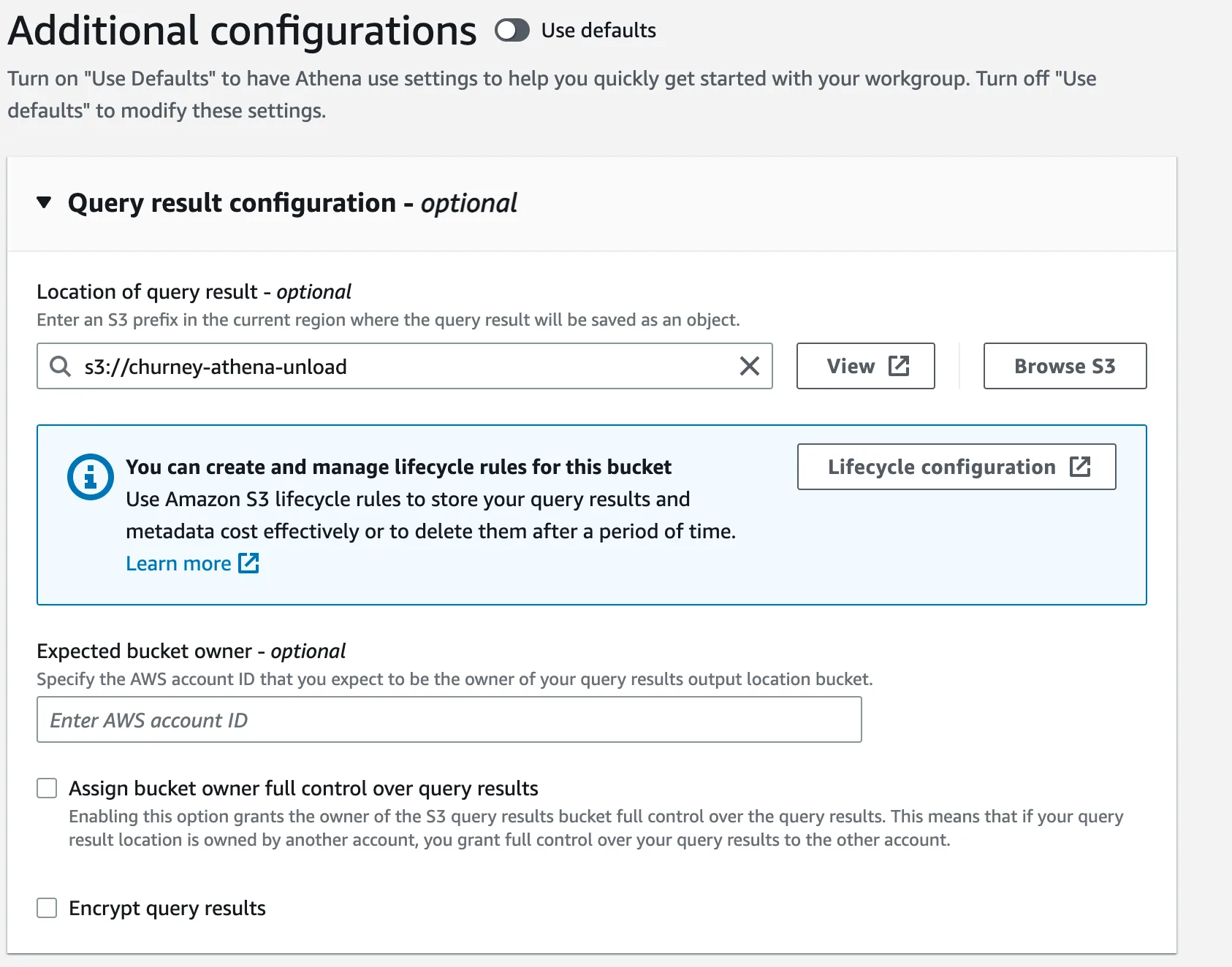
Go to IAM > Policies, click Create policy, switch to JSON and create these five. Replace region and account ID. The policies follow your builder settings.
Athena: run queries in the Churney workgroup
S3: write to the Churney bucket
Glue: read the source tables. Add a line per table.
S3: read your data, only through Athena. Add a pair per bucket.
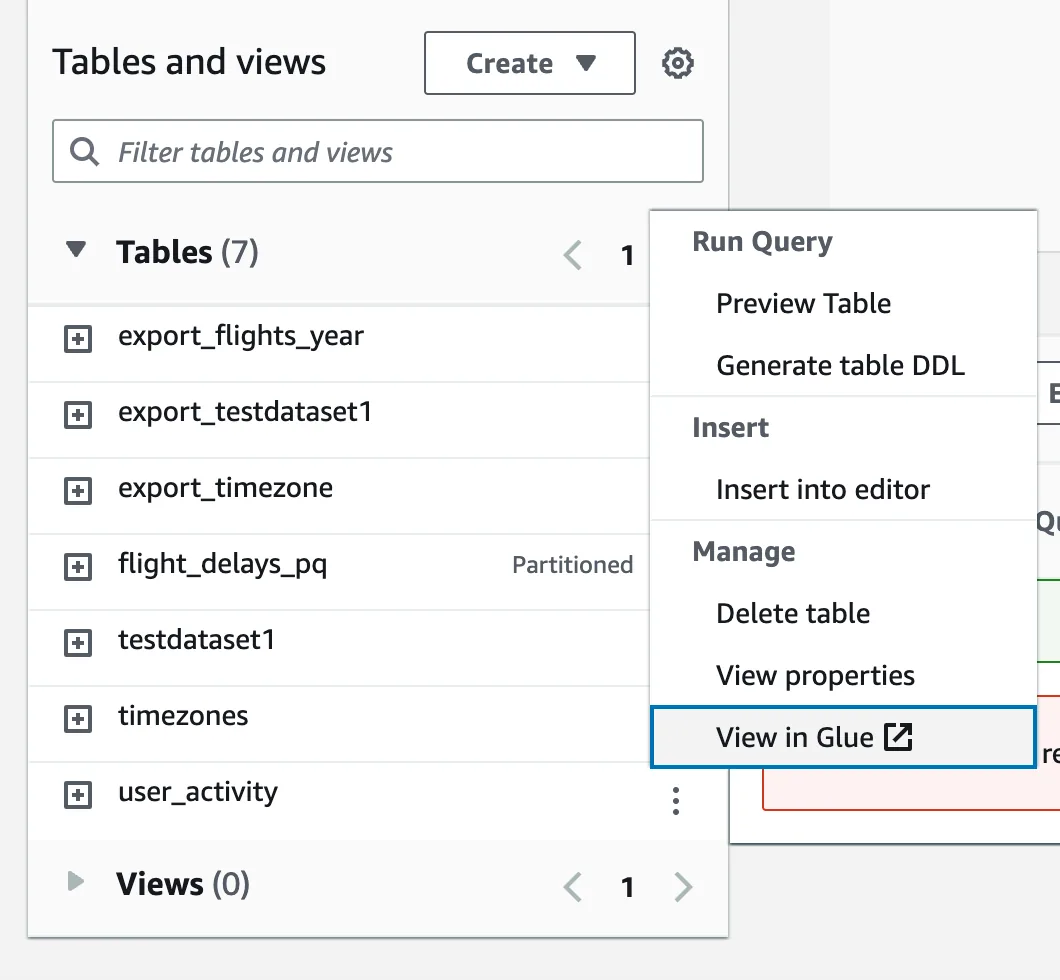
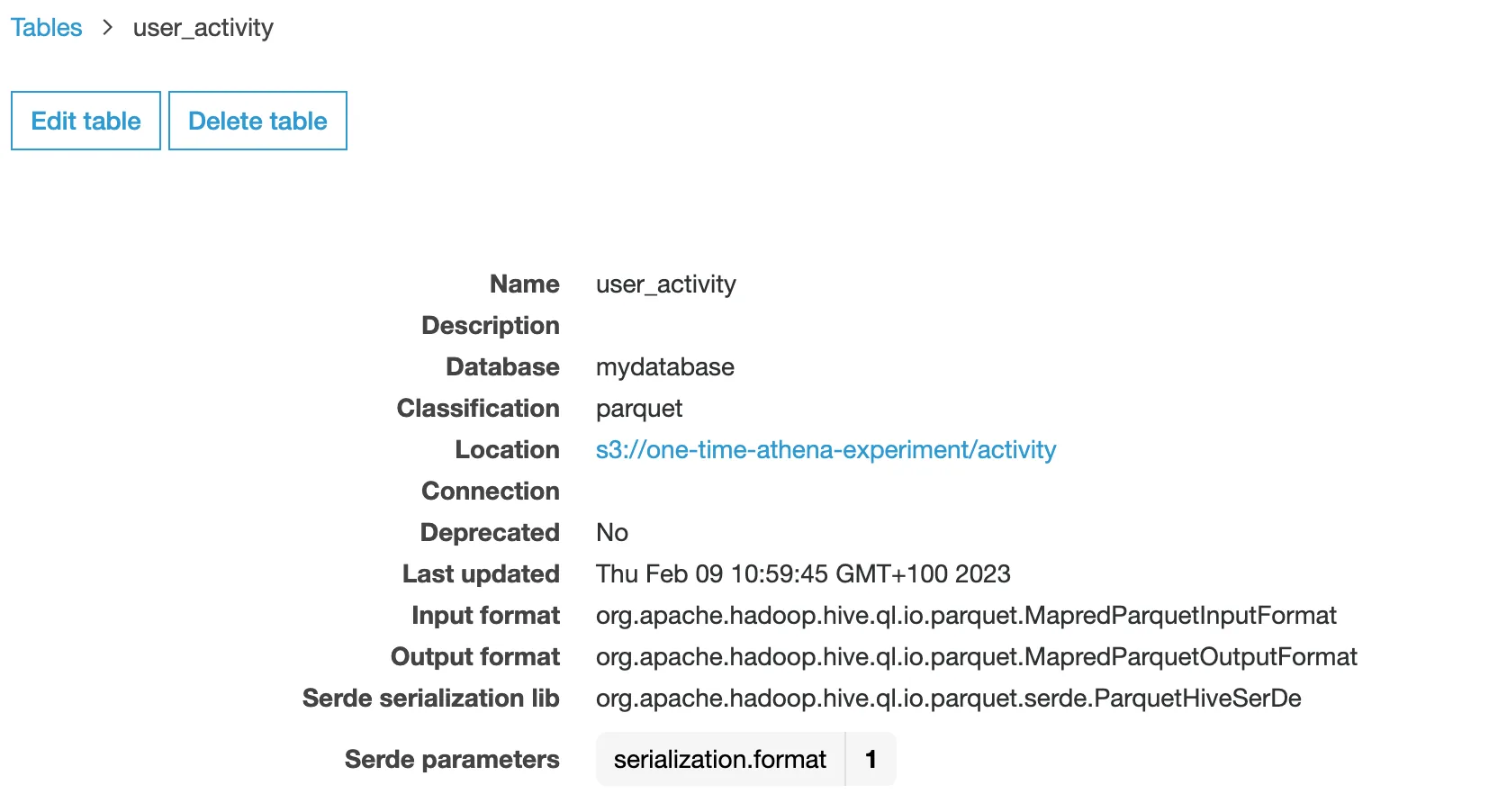
churney-role.Using Lake Formation permissions? Also grant the role SELECT on the views and their source tables in Lake Formation.
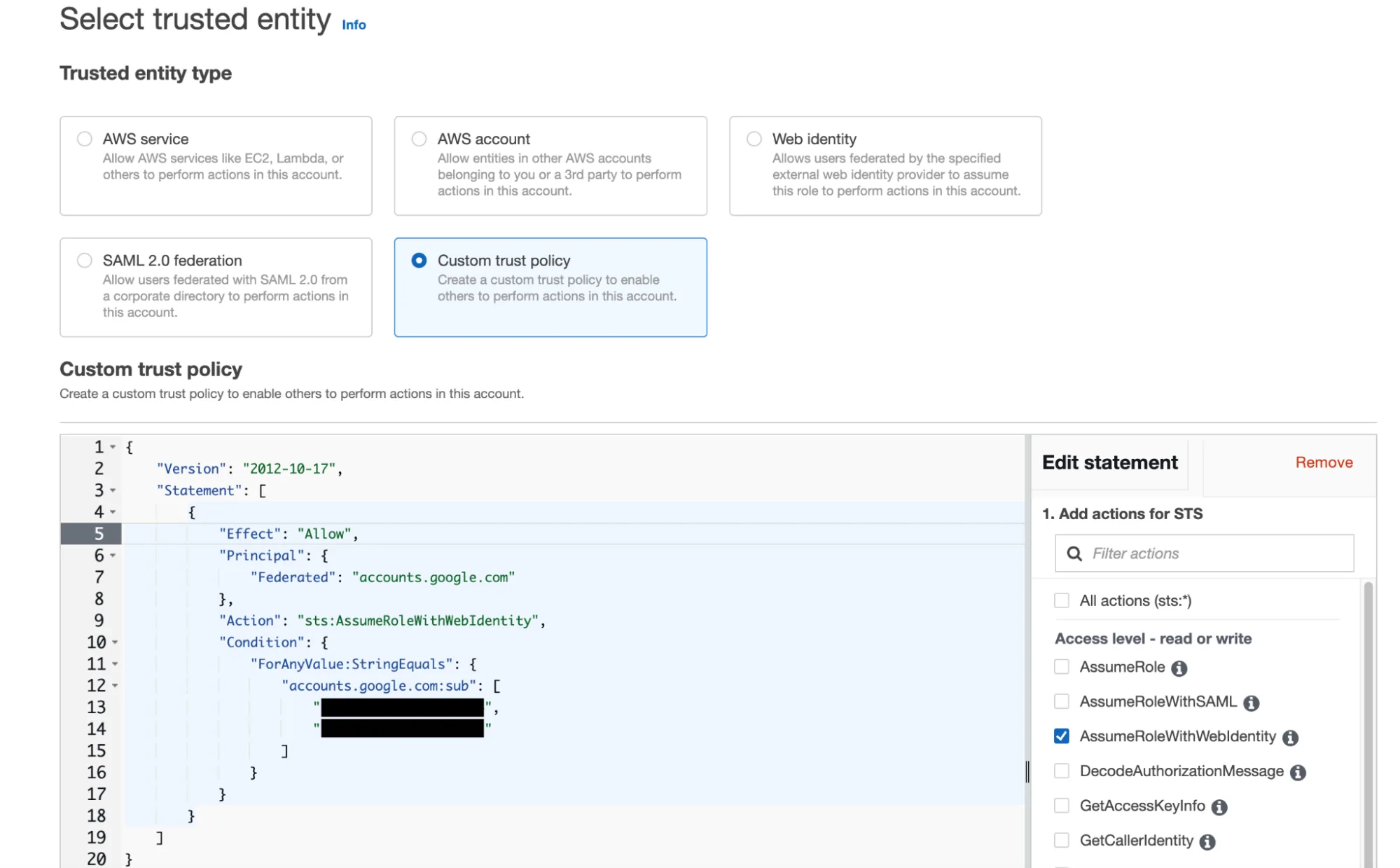
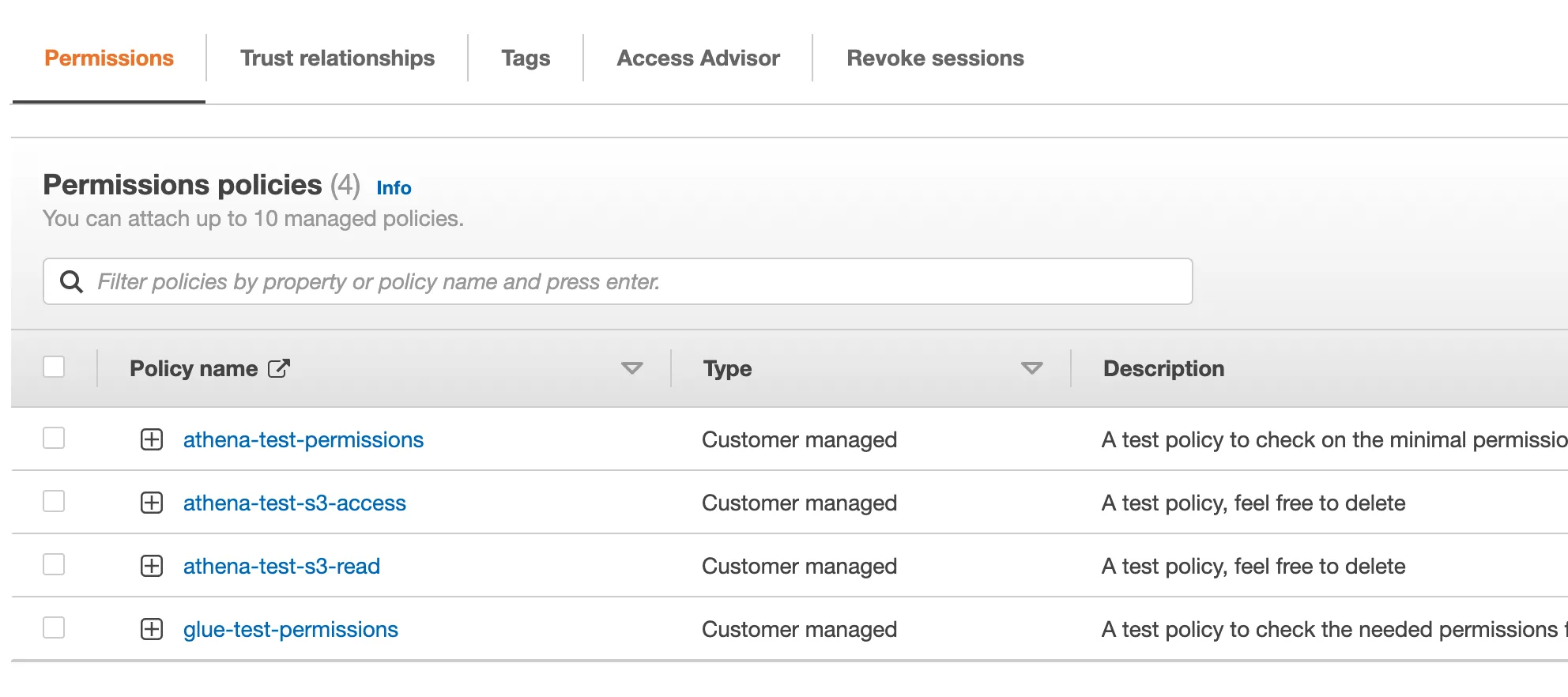
churney and the views in itchurney-athena-unload and the workgroup churney-workgroupWe take it from there.
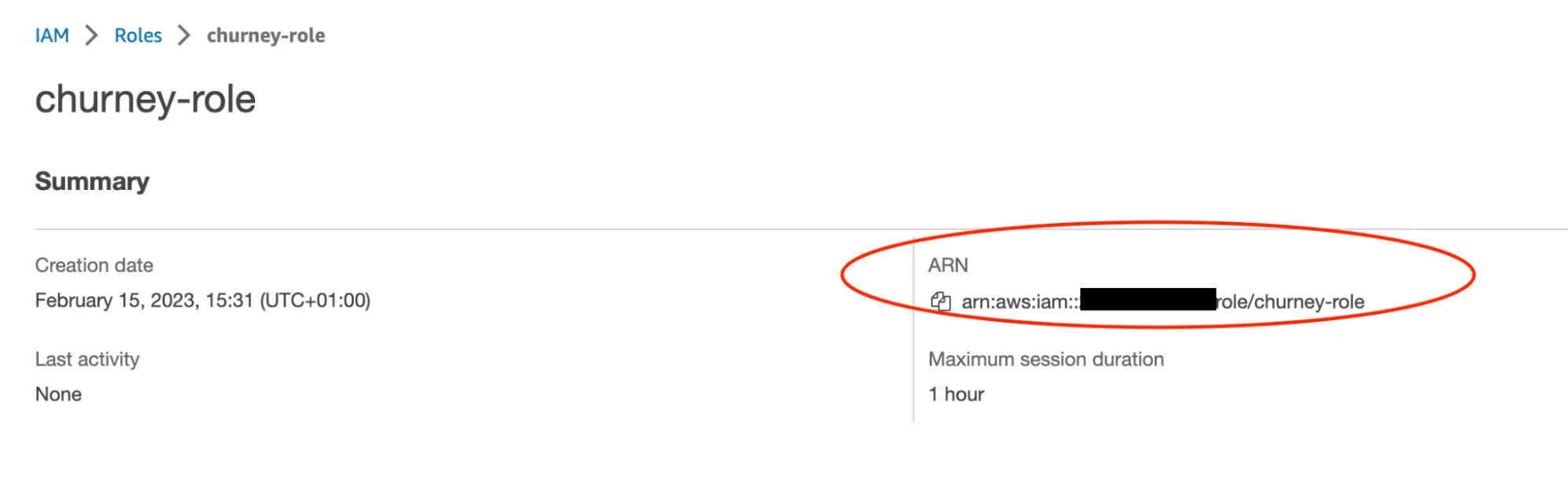
No action needed. This is here for your security review.
churney. It reads your source data only through Athena, never directly from S3.Book a 30-minute call. We look at your setup and tell you plainly whether pLTV is worth testing.